Learning / Learning the Revit API
Build the tool.
Understand the code.
I adapted Matt Pocock’s /teach skill for pyRevit, so AI can explain the tools it builds with me.
teach me what you madeThe idea
From programming to BIM
I can direct AI to build a useful Revit tool. I also want to understand what the code reads, what it changes and why it works that way.
My version turns those builds into short lessons and debriefs about the Revit API—the interface scripts use to work with the model. It asks me questions and gives me code to critique, with references to return to.
The tool behind the lesson
A real tool / Paint Checker
See the tool in the model
Paint Checker finds elements with painted faces and highlights them in the Revit model. Switch between the original view and the colour overrides below.
The debrief explains how this window passes requests back to Revit through an ExternalEvent, and why that work runs later.
Read the Paint Checker debriefTry the teaching material
A lesson and a real tool debrief
Select a title to expand the complete document here. Read every section, answer the quiz or explore the explanations.
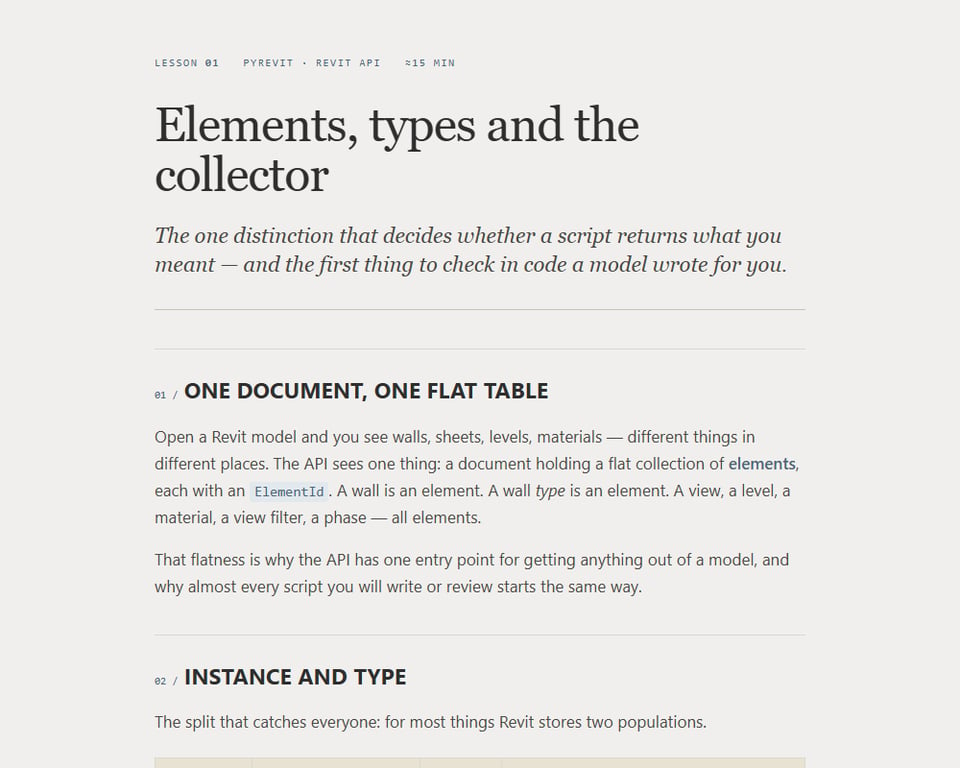 01 / Complete tutorialElements, types and the collectorThe full lesson on elements, types and collectors, including a five-question quiz.Read the full document
Scroll inside the document to read every section. Select the title again to close it.
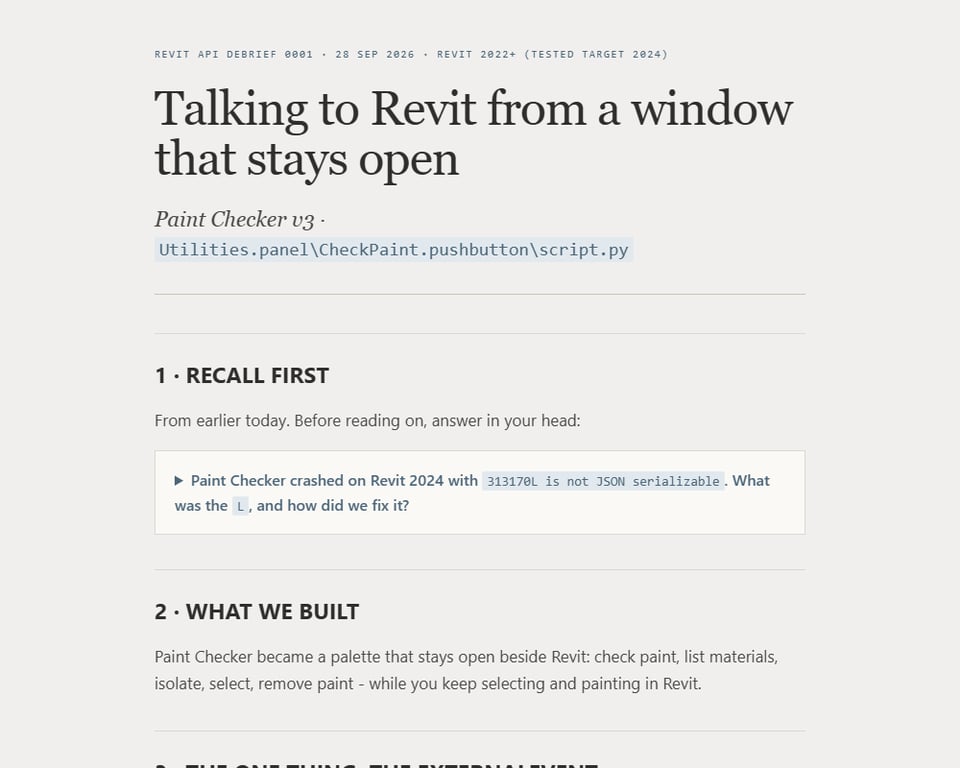 02 / Complete tutorialPaint Checker: a window that stays openThe Paint Checker debrief: how a modeless window talks to Revit through an ExternalEvent.Read the full document
Scroll inside the document to read every section. Select the title again to close it.
03 / Companion referenceCollector recipesThe companion reference to the first lesson: collector patterns to return to while coding.Read the full document
Scroll inside the document to read every section. Select the title again to close it.
Keep an offline copy (HTML): Lesson · Paint Checker debrief · Collector reference. Download the files, then open them in your browser.
What I am working towards
Understanding I can use on the next tool
The aim is to judge generated code, explain its choices and maintain it when something changes. Each build gives me something useful in Revit and something concrete to learn from.
Original teaching approach: Matt Pocock. BIM adaptation and project direction: Yordan. Code and teaching material developed with AI.